

3ds Max 2027 and Maya 2027 support added


DELTAGEN LIGHTING PLUGIN
Real-time HDRI map authoring for DeltaGen
HDR Light Studio transforms your DeltaGen lighting workflow:
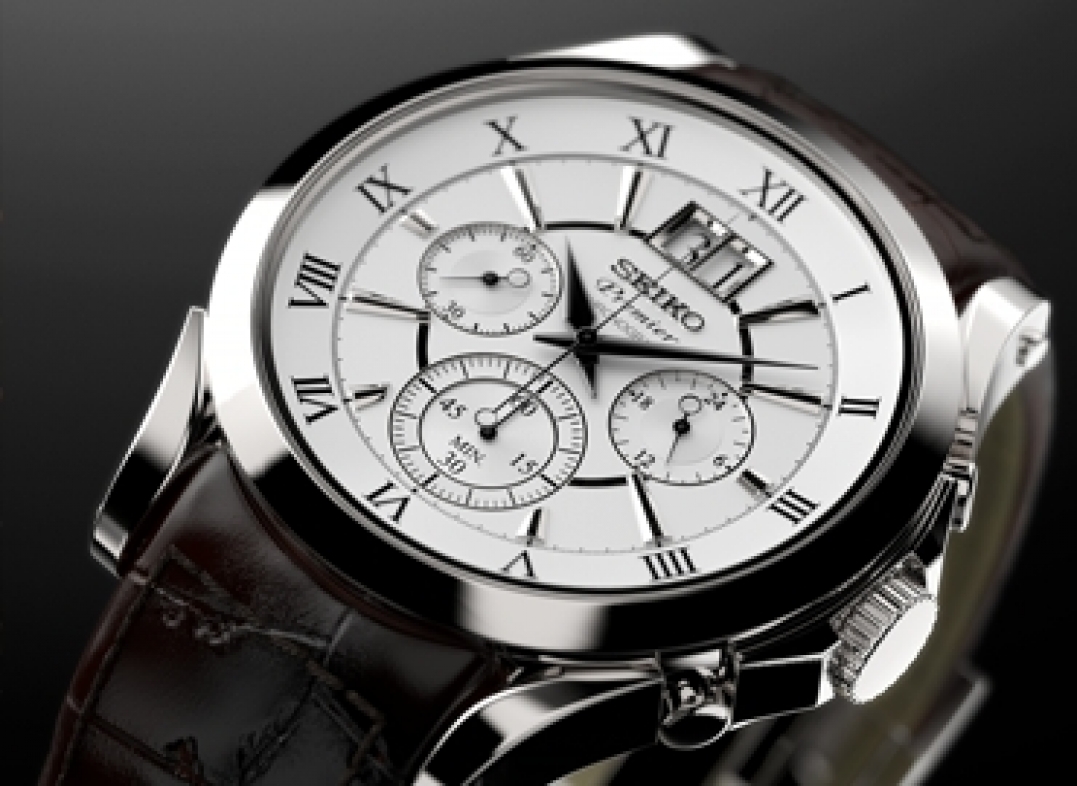
Create studio lighting

Lighting to match back-plate image
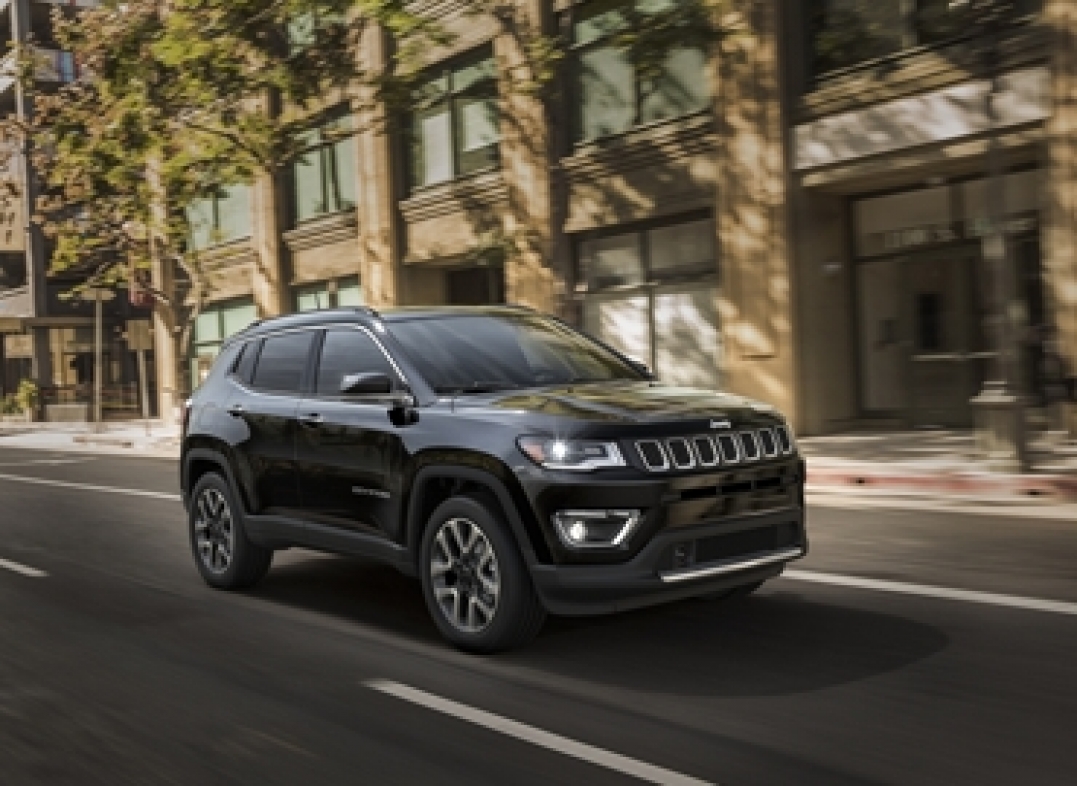
Editing existing HDRI environments
How does HDR Light Studio work with DeltaGen?

The model has materials applied, the camera view is setup, you are now ready to light…
• Start HDR Light Studio from the DeltaGen local surrounding
• Load an existing HDRI map to edit, or start with a blank canvas
• Add new lights in HDR Light Studio
• Click on the 3D model in DeltaGen to position lights
• To finish, HDR Light Studio generates a high-res HDRI map for DeltaGen
• The DeltaGen scene is now ready for final rendering
Useful Links
Compatibility (Our Latest Connection Build: 2026.0212)
DELTAGEN 2019x and higher
DELTAGEN STAGE 2019x and higher
Plug-in Updates News
7 May 2026 (Plug-in Build: 2026.0212)
Support added for DELTAGEN 2026x and DELTAGEN Stage 2026.
Want to Buy?
This DELTAGEN plug-in connection is included with HDR Light Studio - Automotive